Favicon
How do you create that little icon that shows up in the browsers and other devices? You create a “Favicon” .ico file.
It is a very tiny (usually square) file that is as small as 16×16 pixels.
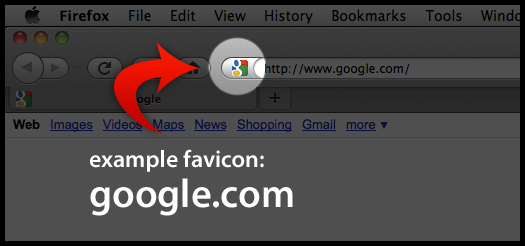
You can first create your square icon in Photoshop as a jpg and then generate the ico file in few different ways:
1) Your Website theme might have a built in converter (but this is rare)
2) You can go to a site called http://www.favicon.cc/
3) Or if you prefer a very basic conversion, try out http://icoconverter.com/
THEN download your favicon.ico file (it must keep this name)
NEXT UPLOAD it to your site using your theme (if that option exists) or ad the ROOT folder of your website. This folder is typically called “public_html” and can be accessed via your CPanel File Manager.
It can sometimes take a little while for it yo show up and get cached, but you should see it right away if you clear your browser cache.